Every giveaway has a detail page that shows how it's doing — how many people clicked through to it, how many actually claimed it, and how those numbers are trending over the past year. Open the Giveaways section and click a giveaway to see its performance dashboard.
The three metrics that matter
At the top of the page you'll see three numbers, each with a month-over-month change indicator:
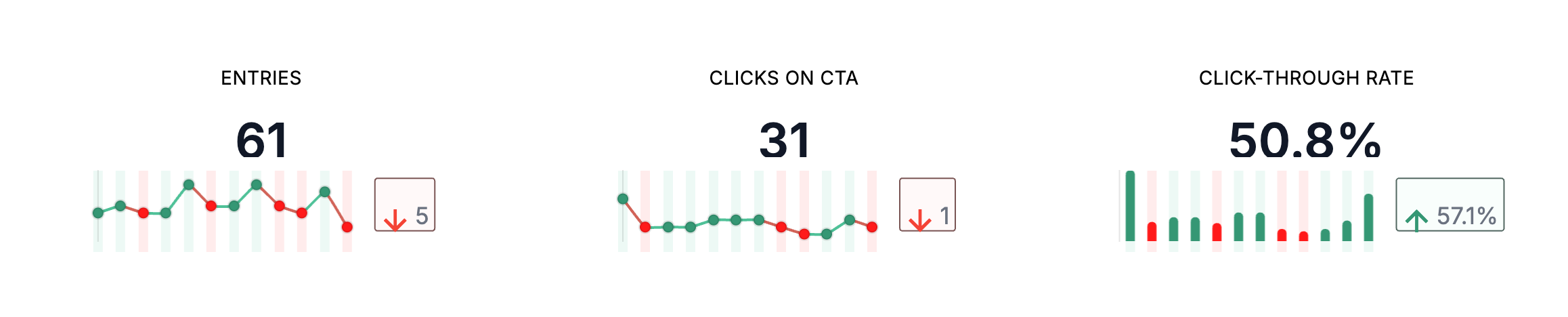
- Clicks on CTA — how many times someone clicked the call-to-action button that points at this giveaway. This is the top of the funnel: people who saw your link and were curious enough to follow it.
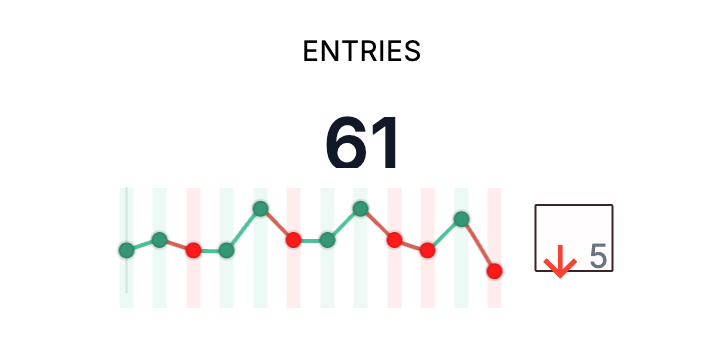
- Entries — how many people completed the form on the landing page and actually claimed the giveaway. This is the bottom of the funnel.
- Click-Through Rate — entries divided by clicks, as a percentage. This tells you how compelling your landing page is once someone arrives. A low CTR with lots of clicks usually means the landing page isn't converting; a high CTR with few clicks means the offer works but isn't being seen enough.
Each metric shows the change between this month and last month, so you can see at a glance whether the giveaway is picking up or cooling off.
The 12-month chart
Below the headline numbers, a chart plots clicks, entries, and CTR over the last twelve months. Use it to spot seasonality, to see how a campaign push moved the numbers, or to confirm a giveaway has gone stale and is worth retiring or refreshing.
Analytics are cached for about 15 minutes, so very recent activity may not show up immediately. Refresh the page after a short wait if you're checking on something that just happened.
Diagnosing the funnel
A quick read on the three metrics together usually tells you where to focus:
- Few clicks, decent CTR — the giveaway converts when people see it, but not enough people are seeing it. Promote the link more, or place the CTA somewhere with more traffic.
- Lots of clicks, low CTR — people are interested enough to click but bouncing off the landing page. Revisit the giveaway's copy, imagery, or the fields you're asking entrants to fill out.
- Both flat and trending down — consider ending the giveaway and launching a new one with a different offer.
Reviewing individual entries
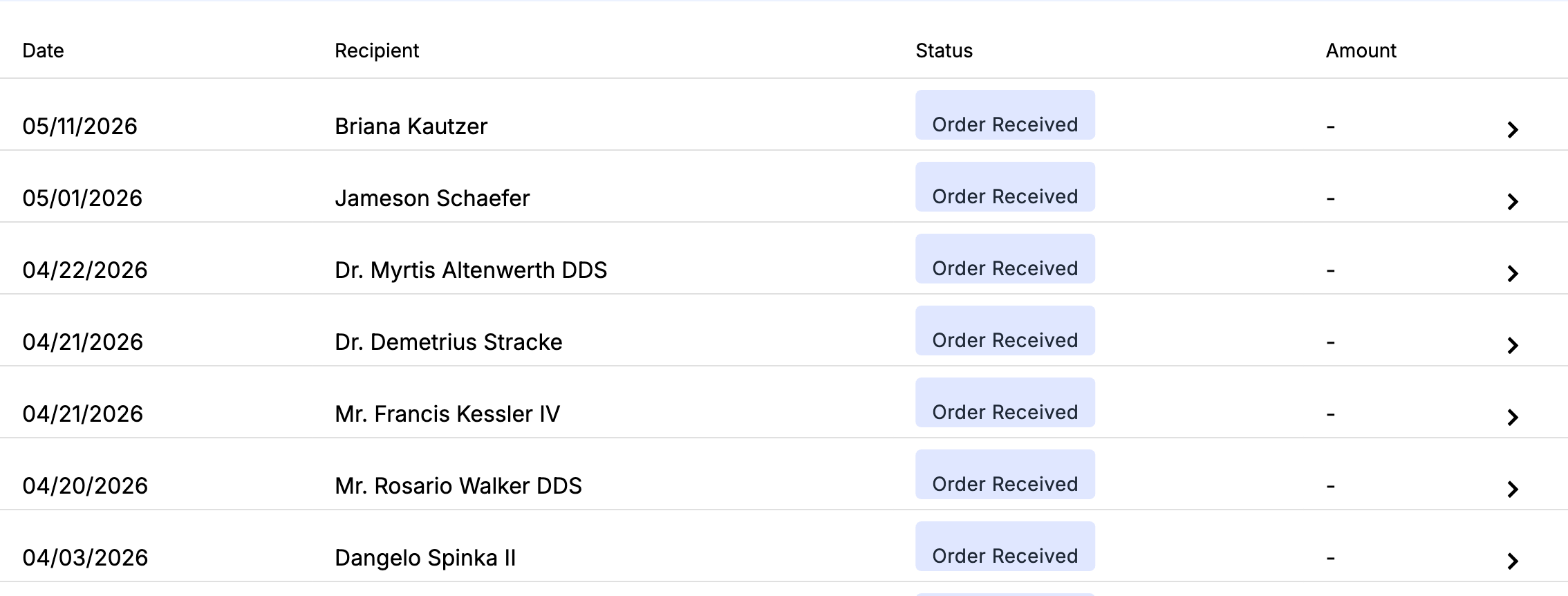
The same detail page lists every entry below the analytics — recipient name, email, shipping address, product choice (if your giveaway has options), and submission date — sorted most recent first. Use the search field to find a specific entrant by name or email when someone reaches out with a question.
If you need a spreadsheet of all submissions, see Exporting giveaway entries. If you haven't set up a giveaway yet, see Setting up a new giveaway.